

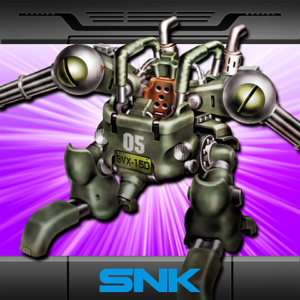
METAL SLUG 2 APK
SNK CORPORATION
- Version
- 1.5
- Size
- 47.1 MB
- Android
- 6.0+
- Category
- Arcade
Screenshots
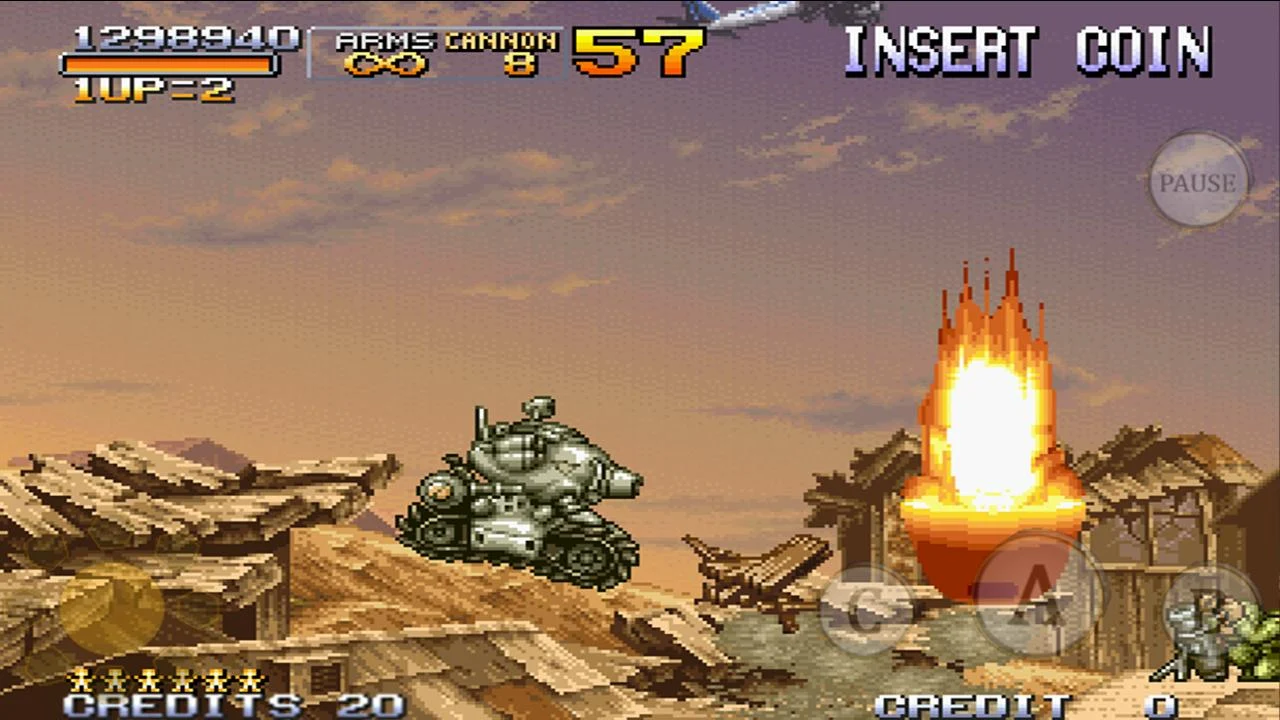
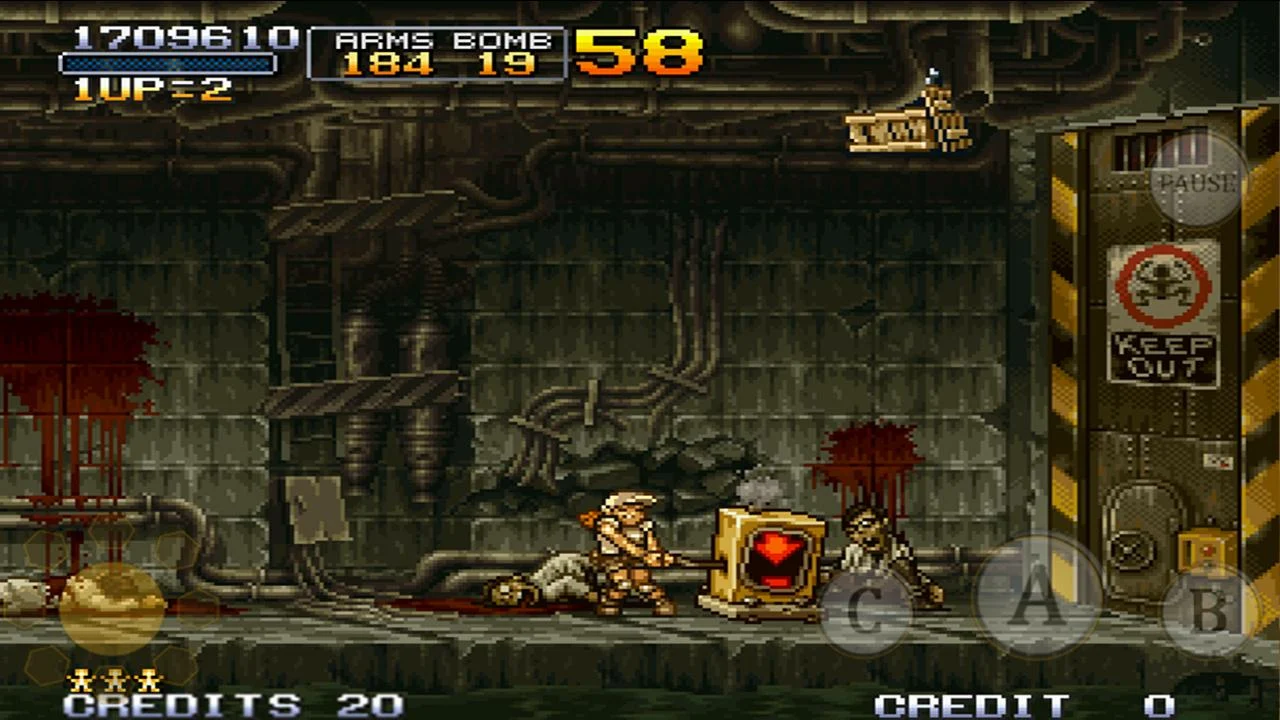
What's new
Version 1.5 is the newest build on APKBlade, updated 17 June 2024.
Are you excited to fight epic battles? Get ready for Metal Slug 2 APK, a classic arcade shooter with thrilling co-op play via Bluetooth!
Dive into the intense world of arcade action with a touch of nostalgia. Let’s explore the exciting Metal Slug 2 and how it went from classic arcade cabinets to your mobile device with the Metal Slug 2 APK for Android.
The Legacy of Metal Slug 2
In 1998, SNK introduced Metal Slug 2 to the arcade world. As a sequel to the popular Metal Slug, this game had big expectations. And it delivered! Metal Slug 2 quickly became a hit, known for its fast-paced run-and-gun gameplay, quirky characters, and over-the-top animations.
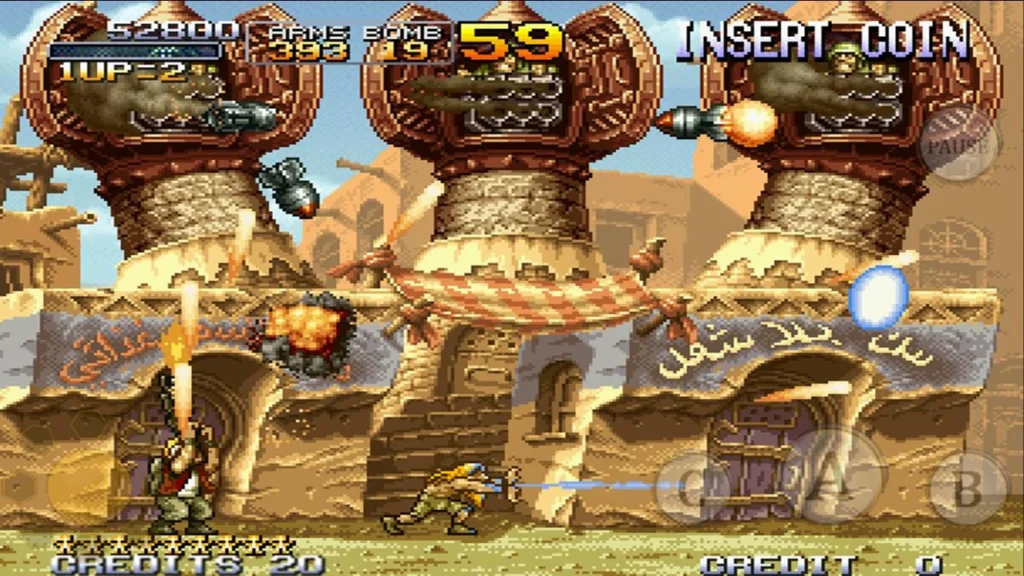
The story is simple yet captivating. You lead a group of heroes, the Peregrine Falcon Squad, through battlefields to fight against the evil General Morden and his army. The game’s charm lies in its simplicity, combined with the chaotic fun of blasting through enemies and rescuing prisoners of war.
Metal Slug 2 Goes Mobile
Metal Slug 2 has made its way to mobile platforms, including Android. With the Metal Slug 2 APK, you can enjoy this classic game on your smartphone or tablet.
The move from arcade to mobile brings the convenience of playing anytime, anywhere, without losing the essence that made the game a hit.
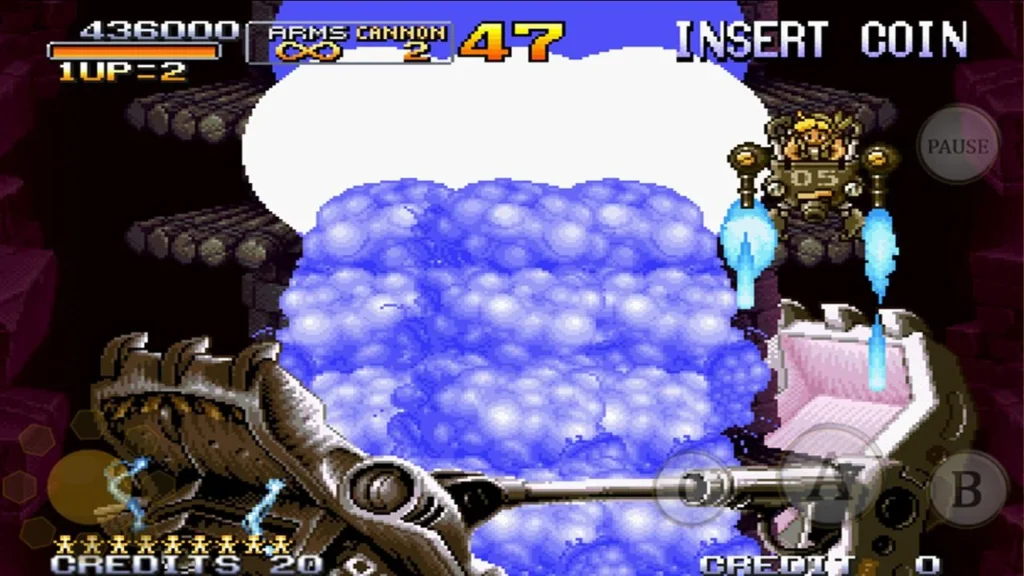
Cooperative Gameplay via Bluetooth
Gamers can have fun playing Metal Slug 2 on their phones. It lets you play with a friend using Bluetooth. You can work together to beat hard levels. This is like old arcade games, but you use wireless connections.
The Gameplay Experience
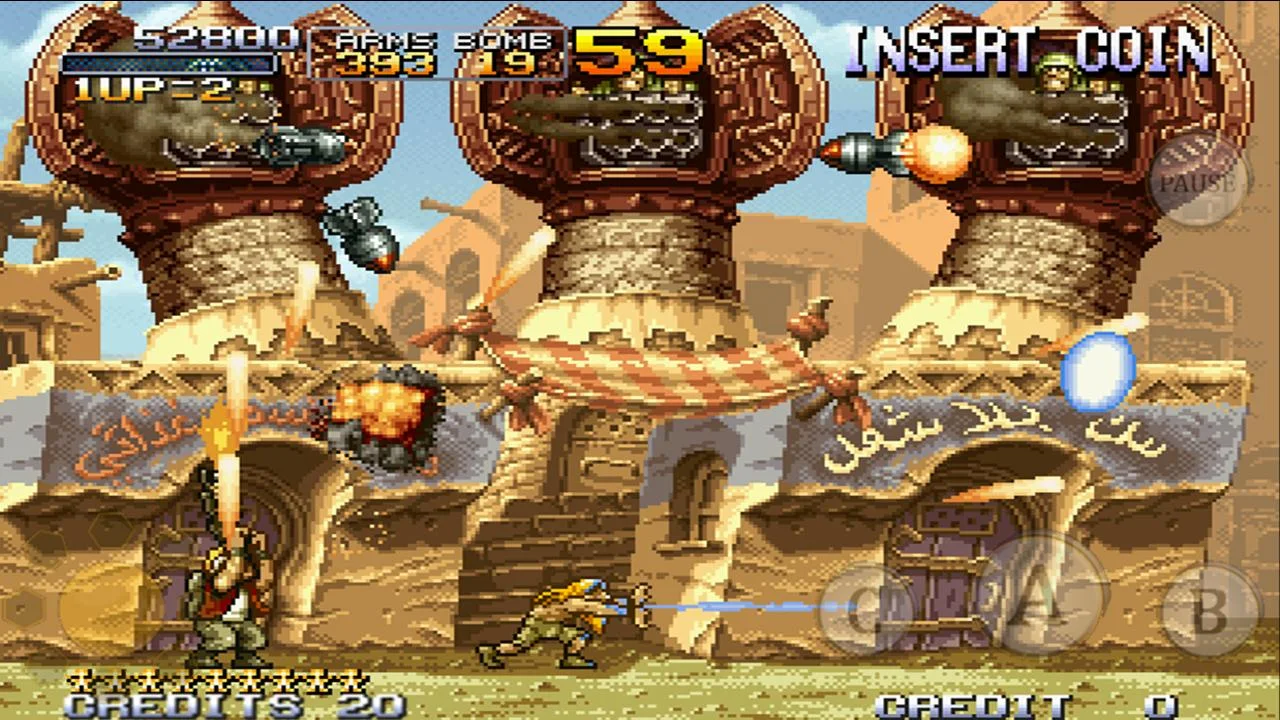
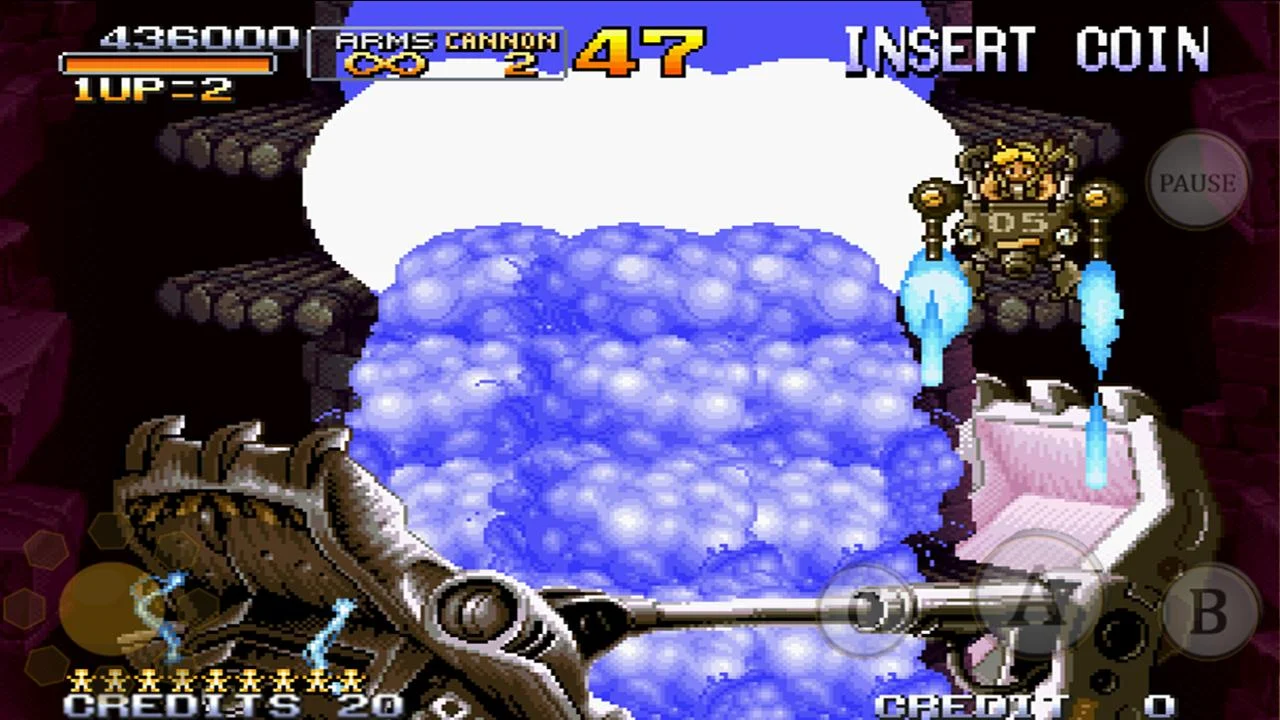
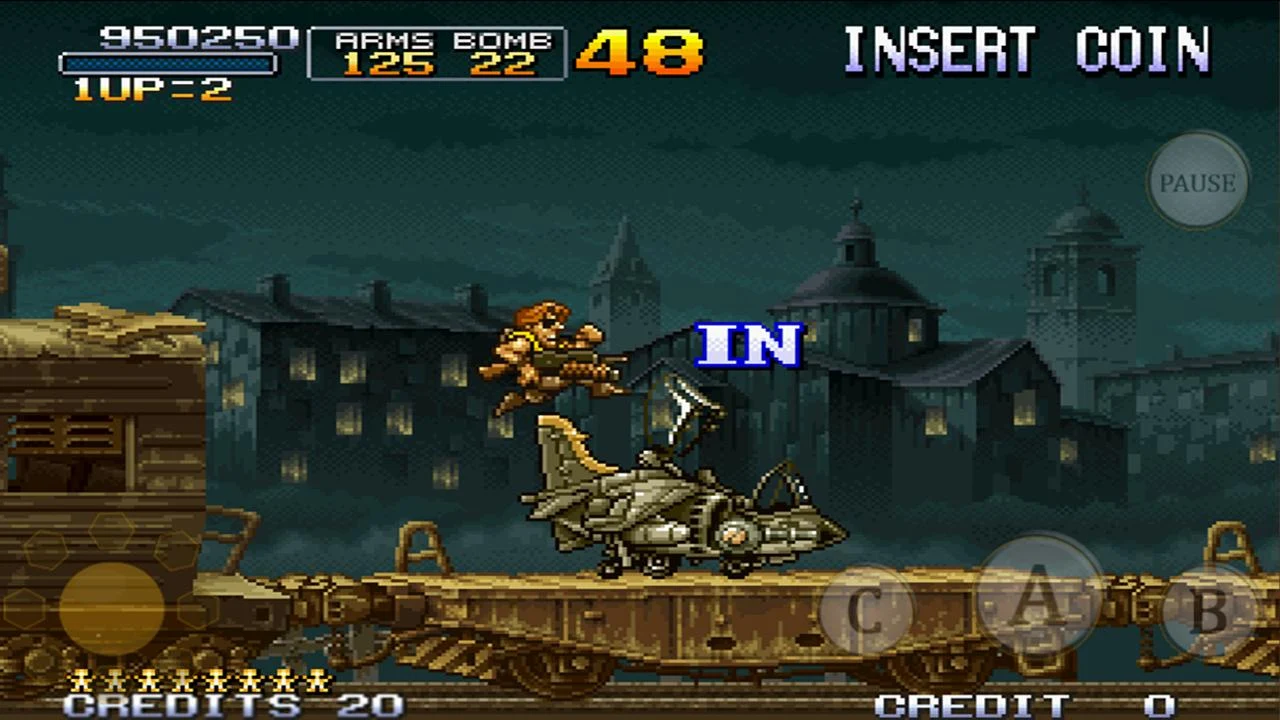
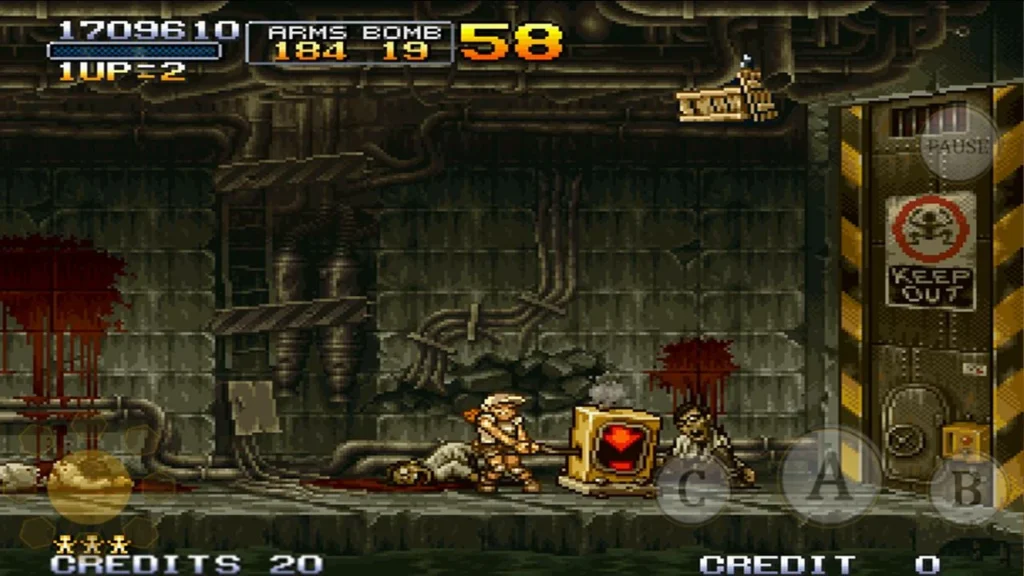
Metal Slug 2 feels just like the original game. You run, shoot, and jump through different areas. There are enemies, tanks, planes, and big bosses. The controls use virtual buttons on your screen. This makes it feel like an arcade game.
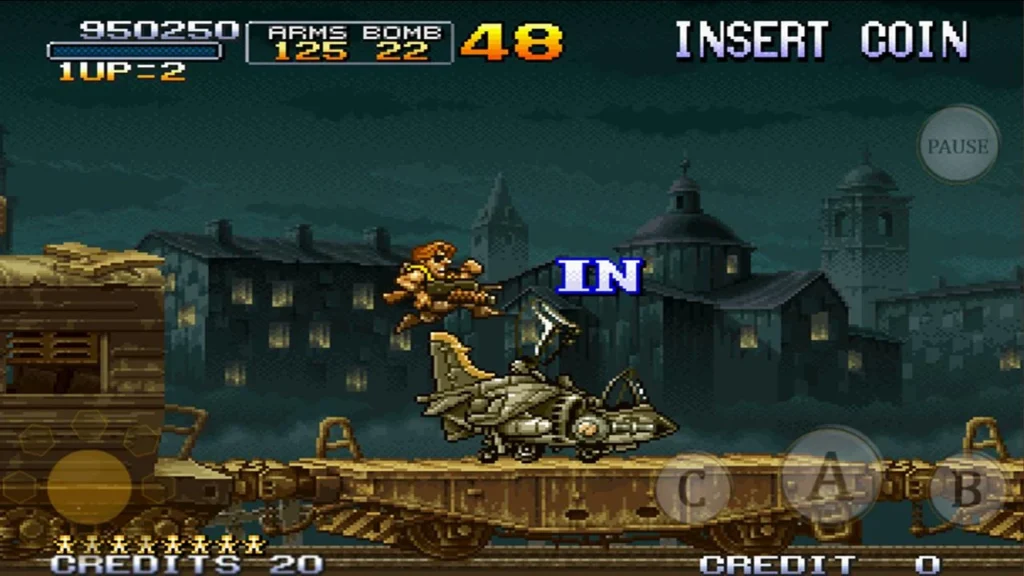
There are silly parts, too. The enemies move in funny ways. You can ride wacky vehicles like the Camel Slug. You can even turn into a mummy or fat character. This adds humour and new ways to play.
Graphics and Sound
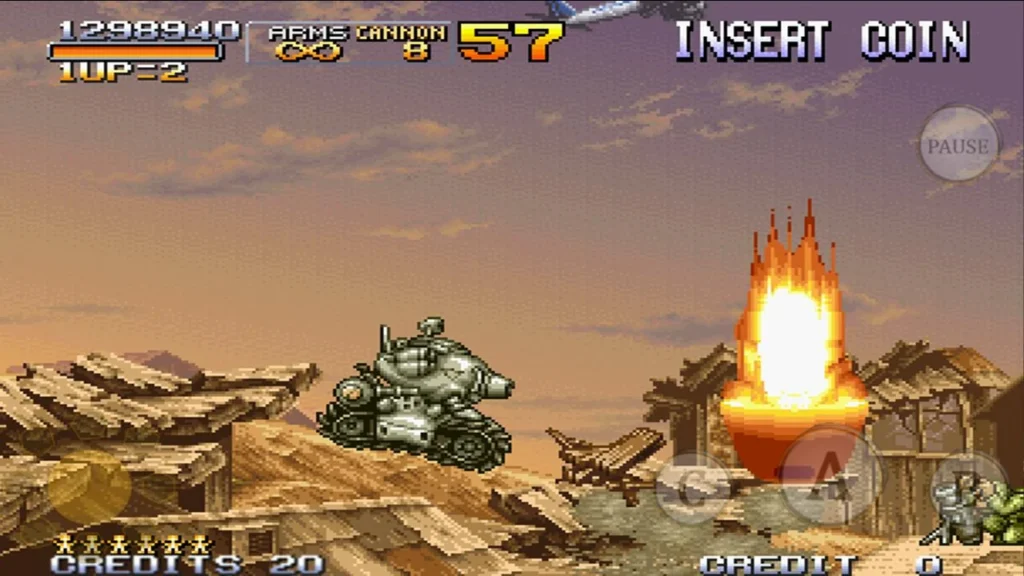
Metal Slug 2 looks and sounds great on Android. The 2D art looks bright and detailed. The music is catchy, with marching tunes and funky beats. This keeps things exciting.
Accessibility and Convenience
The Metal Slug 2 app makes the game easy to play. You don’t need to find an old arcade or console. Just download it to your phone. Then you can play Metal Slug 2 anywhere, without coins or big machines.
Why Metal Slug 2 Still Rocks
Metal Slug 2 is more than a shooting game. It’s fun to play alone or with a friend. You try to beat high scores. You work together to win. The mobile version brings new players into the game. This helps new people understand why it is a classic.
Conclusion
The Metal Slug 2 APK for Android is excellent. It lets you play an old arcade game in a new way. The game has intense co-op action. You can run and shoot. You can play on the go. This makes it fun for old fans and new players.
If you want to feel nostalgia or have fun, Metal Slug 2 is timeless. It keeps being entertaining. Get your Android device. Download the Metal Slug 2 APK. Get ready to blast through the frontlines of fun!
More About METAL SLUG 2
| Name | METAL SLUG 2 |
|---|---|
| Package Name | com.dotemu.neogeo.mslug2 |
| Category | Arcade |
| Version | 1.5 |
| Size | 47.1 MB |
| Requires Android | 6.0 and up |
| Developer | SNK CORPORATION |
| Last Updated | 17 June 2024 |
How to Install METAL SLUG 2
- Tap the download button and let the file finish.
- Open the file from your notifications or the Downloads folder.
- If Android asks, allow your browser to install unknown apps.
- Tap Install, then open the app.
FAQ'S
How to install METAL SLUG 2 on android phone?
Once you've downloaded the APK file, click on the downloaded file, then hit the "Install" button.
I am getting Play Protect warning while installing!
Some mod APK files might get a warning. You can ignore this warning and install the APK file. Follow these simple steps to turn off Play Protect: Open Google Play app > Click Profile Icon > Select Play Protect -> Setting > Turn off both "Scan apps with Play Protect" and "Improve harmful app detection" options.
How to update APK without losing the data?
To update APK without losing the data, you don't need to follow anything extra. Click on the downloaded APK file and click the "Install" button. The app will update automatically without loss of data.
How to fix problems while installing/opening?
Make sure you have downloaded the file correctly. The downloaded file extension must end with .apk file. If you face any package install error, redownloading the file may fix the issue.


















Ratings and reviews
There are no reviews yet. Be the first one to write one.